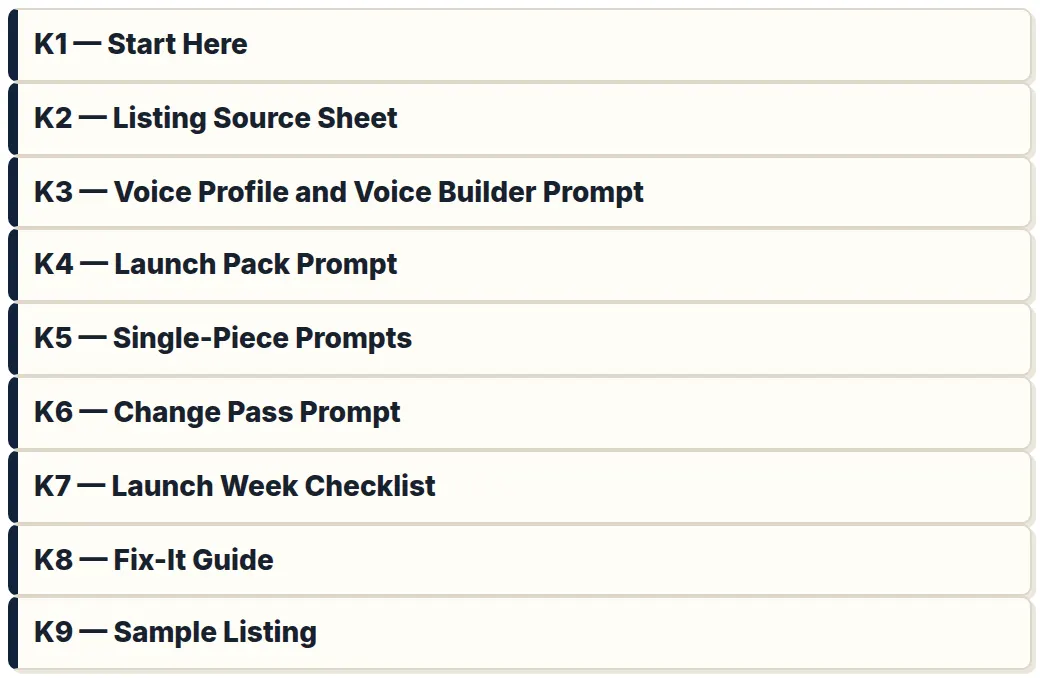
The Single-Source Method
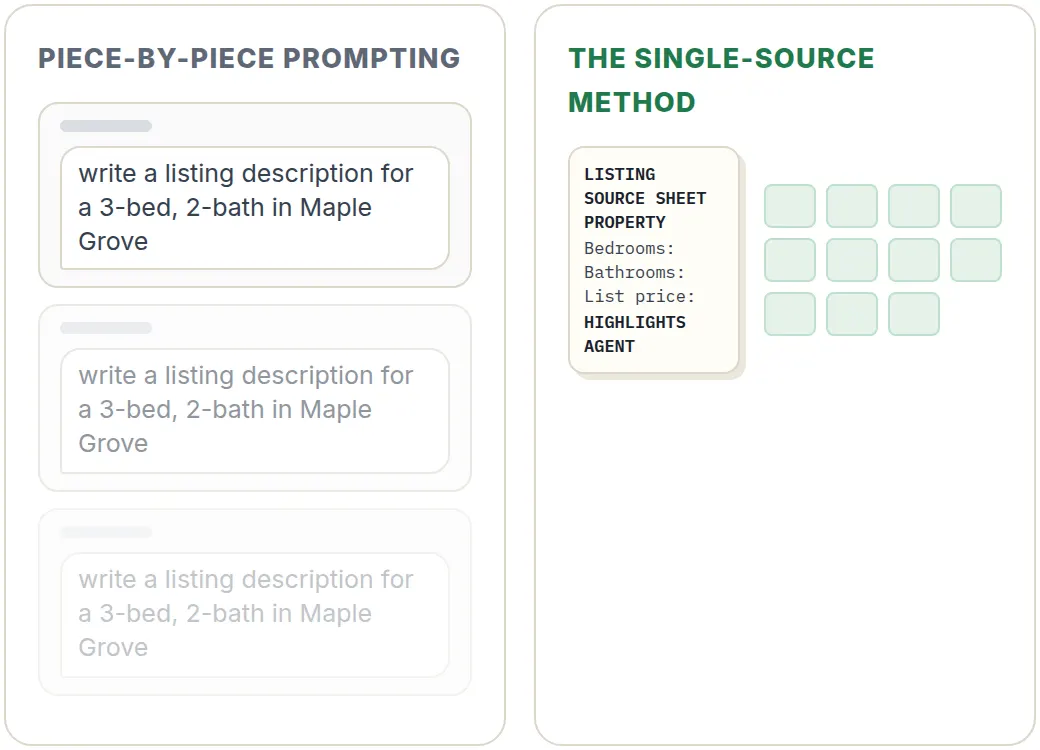
The idea fits on an index card: write the facts once, and let every piece start from them.
One sheet, one prompt, the whole pack.
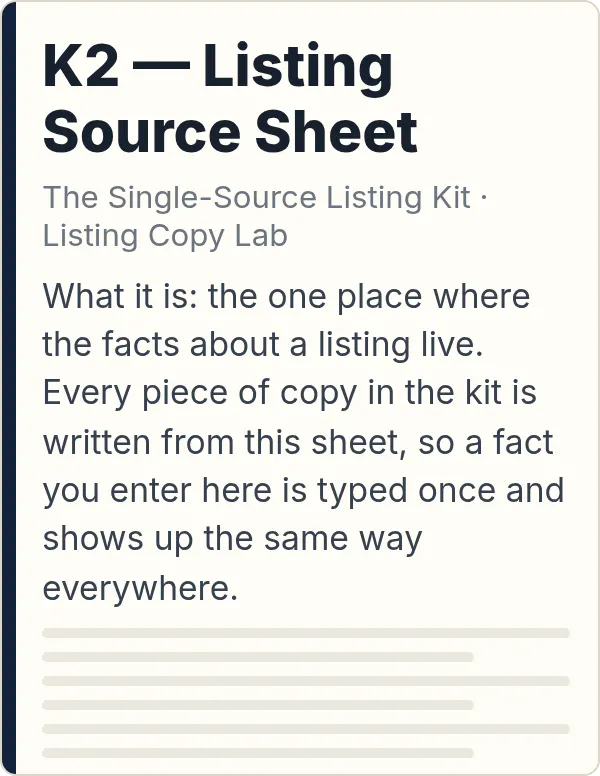
Step 1. One Listing Source Sheet per listing.
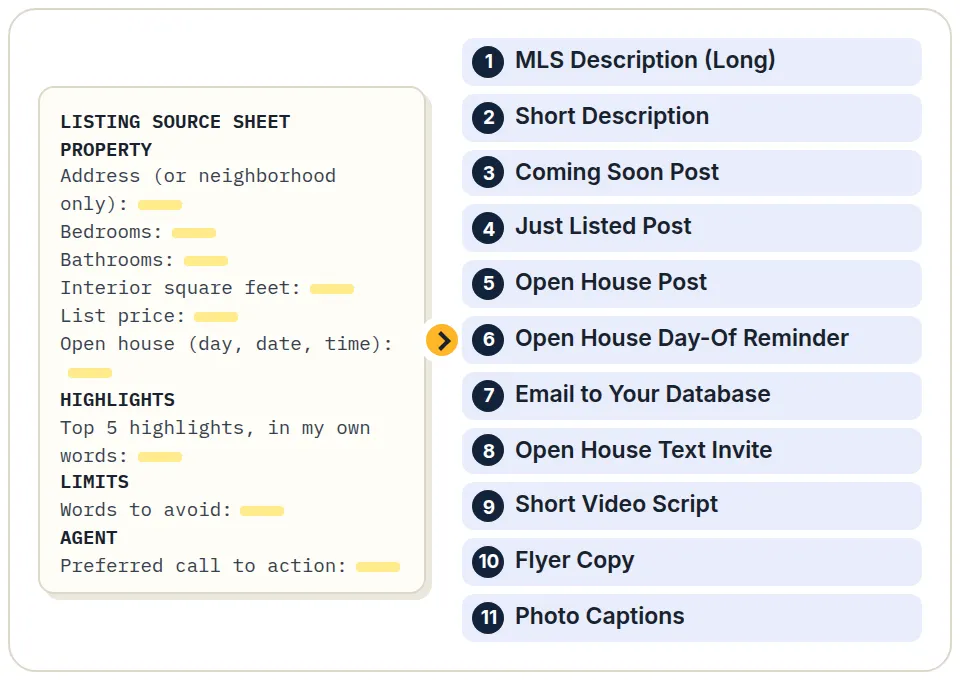
Everything the launch needs goes here, once: price, beds, baths, square footage, lot, year built, parking, HOA and fee, status and dates, open house day and time, and showing instructions. Then the part only you know: your favorite things about the house in your own words, renovations with the year they were done, and what's nearby, written only from what you know, with the distance or the minutes. You also note the words you don't want used, the facts you don't want mentioned, your MLS character limit, your contact details, and your preferred call to action.
It's the same set of facts you'd end up typing anyway. You just type it once.
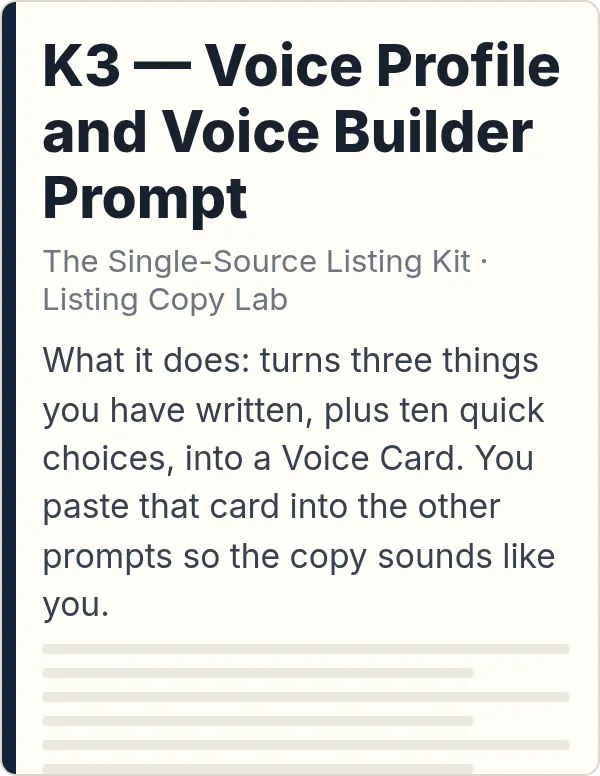
Step 2. One Voice Card, made once.
You paste 3 samples of your own writing (a listing description, a post, and an email) and set your preferences: how formal, short or long sentences, how much humor, how many emoji, exclamation points, the words you use, the words you never use, how you sign off, "I" or "we," and hashtags. The Voice Builder Prompt turns all of that into a Voice Card you paste in with every listing.
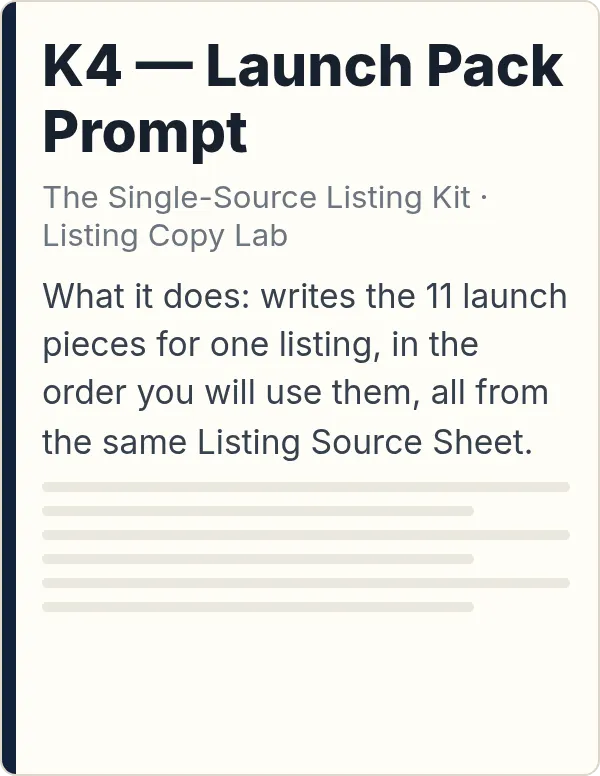
Step 3. One Launch Pack Prompt.
Paste the sheet, your Voice Card, and the Launch Pack Prompt into your AI chat. Out come the 11 launch pieces, numbered in launch order, each with a note on where it goes.
That's with an open house on the sheet. No open house yet? You get the 8 pieces that don't need one now. Once you add the open house to the sheet, run the Launch Pack Prompt again, and you get all 11, with the open house in the just listed post, the email, and the flyer, too.
In our tests, all 11 pieces came out of one paste of the Launch Pack Prompt, with no follow-up corrections, in all 4 runs.
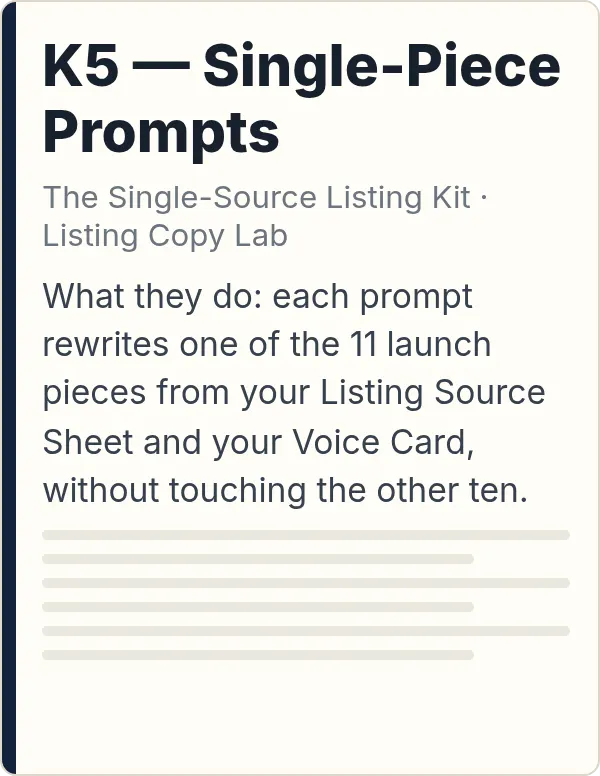
Need to redo a single piece? There's a redo prompt for each of the 11 pieces. Each one starts from the same sheet, so you can redo the email without touching anything else.
Written the way you write, not the way AI writes.
In a blind test, an AI reviewer judged the kit's copy closer to the agent's own writing than a free listing workflow's, in all 4 pairs. It gets close to your writing, not identical.
If a fact about the home isn't on the sheet, it doesn't go in the copy.
In our tests, across 44 pieces, the kit didn't add a single price, date, measurement, or feature that wasn't on the sheet. You still read before you publish: AI can make mistakes, and the Fix-It Guide shows you what to do when it does.
How we tested. We made up two sample listings and two sample agents with different writing styles, and ran each listing for each agent: 4 runs, 44 pieces. The runs used an AI model from Anthropic's Claude family in a test setup, not a consumer chat app. For the voice test, a separate AI reviewer, also running the same model, that didn't know which version was which compared the kit's copy with copy from a free listing workflow, used as published. For the fact check, a separate AI reviewer, running the same model that wrote the copy, read every piece against the sheet, and every number was checked against the sheet.
That's the whole method. The easiest way to judge it is to see it run on a full sheet, so here's one.